


Free SketchUp Tutorials, Video Course and Plans
Free SketchUp video tutorials from the CADGlobal AI Academy: the first lessons of our Master SketchUp in 4 Weeks course, quick how-to videos and workflow tutorials for architects, designers and engineers.
Master SketchUp in 4 Weeks
The first two parts of our online SketchUp course are free to watch here. The full course is in the CADGlobal AI Academy, and it is included free with every SketchUp plan you buy from CADGlobal.
Master SketchUp Course in 4 Weeks, Part 1
Master SketchUp in 4 Weeks, Part 2
Want the whole course? Join the CADGlobal AI Academy and follow Master SketchUp in 4 Weeks at your own pace. Free with every SketchUp plan from CADGlobal.
See the courseQuick SketchUp tutorials
How to import materials in SketchUp
Master the SketchUp Cut feature
How to use geolocation in SketchUp
SketchUp workflow tutorials
SketchUp, progeCAD and ARCHLine.XP BIM in one workflow
Import IFC into SketchUp and DWG CAD
Google AI Studio with SketchUp
Which SketchUp plan do you need?
| GoiPad and web | Promost popular | Pro Scanscan data | Pro Advanced WorkflowsRevit and scans | Studiorendering | |
|---|---|---|---|---|---|
| Price per user, per year | €123 | €378 | €475 | €570 | €805 |
| Desktop 3D modeler | No | Yes | Yes | Yes | Yes |
| SketchUp for iPad and for Web | Yes | Yes | Yes | Yes | Yes |
| LayOut 2D documentation | No | Yes | Yes | Yes | Yes |
| Extensions, 3D Warehouse, Trimble Connect | Trimble Connect | Yes | Yes | Yes | Yes |
| Point clouds with Scan Essentials | No | No | Yes | Yes | Yes |
| Revit importer | No | No | No | Yes | Yes |
| V-Ray rendering, animations, 360° panoramas | No | No | No | No | Yes |
| Windows only | Nothing | Nothing | Scan Essentials | Scan Essentials, Revit importer | Scan Essentials, Revit importer, V-Ray |
Price per user for a 1-year subscription, without VAT, for customers in Albania, Bosnia and Herzegovina, Bulgaria, Croatia, Cyprus, Georgia, Greece, Kosovo, Montenegro, North Macedonia, Romania, Serbia and Slovenia. Every plan from CADGlobal includes the Master SketchUp in 4 Weeks course and our Best Price Guarantee.
Frequently asked questions
Are these SketchUp tutorials free?
Yes. All videos on this page are free. The complete Master SketchUp in 4 Weeks course is in the CADGlobal AI Academy and is included free with every SketchUp plan you buy from CADGlobal.
Can I try SketchUp before I buy?
Yes. Click “Start a free trial”, leave your details and the SketchUp trial page opens straight away. We help with the setup and with choosing the right plan.
Which SketchUp plan should I choose?
For most architects and designers SketchUp Pro is the right start: desktop modeler, LayOut, iPad and web. Choose Pro Scan for point clouds, Pro Advanced Workflows for the Revit importer, and Studio when you also need V-Ray rendering.
How do I buy SketchUp from CADGlobal?
Ask for a quote on sketchup.cadglobal.eu. We send a quote and a pro-forma invoice for payment by bank transfer, usually the same working day, with our Best Price Guarantee.
SketchUp plans in our shop

SketchUp 2027 Pro 3D – 1 Year Subscription
☑️ CADglobal Best Price Guarantee. Intuitive 3D design program for drawing and basic 3D modeling. Annual license rental includes regular updates and technical support.
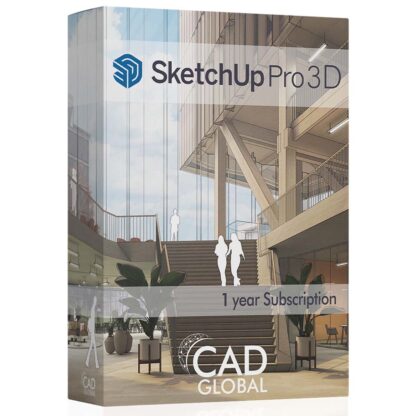
SketchUp Pro Advanced Workflows
☑️ Scan Essentials ☑️ Revit Importer ❌ V-Ray CADglobal Best Price Guarantee. Intuitive 3D design program for drawing and basic 3D modeling. Annual license rental includes regular updates and technical support.

Chaos V-Ray Solo – 1 Year Subscription
V-Ray is a top-tier rendering tool with integrations for 3ds Max, Cinema 4D, Maya, Revit, Rhino, and SketchUp.
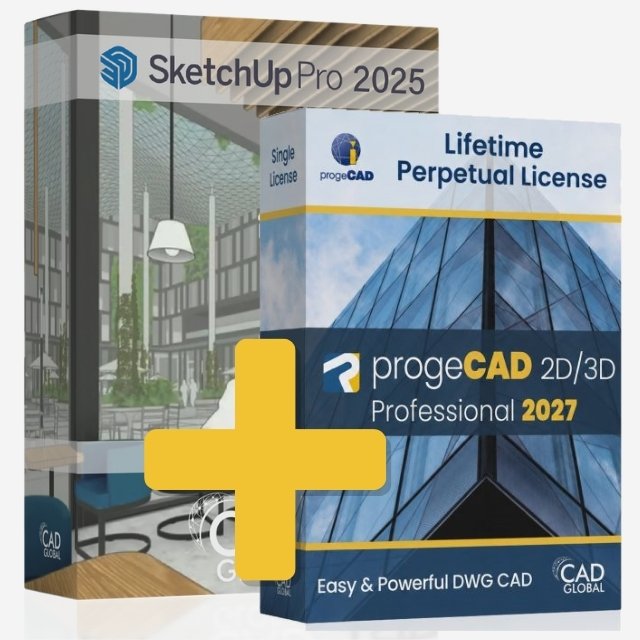
progeCAD Professional Lifetime + SketchUp Pro 3D
progeCAD 2D/3D Professional Lifetime License + SketchUp 3D 1 year Subscription. ☑️ CADglobal Best Price Guarantee